
SAP Integration.
Connect SAP to your warehouse, billing and customer-facing systems. Real-time data. No changes to your SAP core.
- Real-Time Synchronization
- No Core Modification
- Upgrade-Safe
- Complete Audit Trails
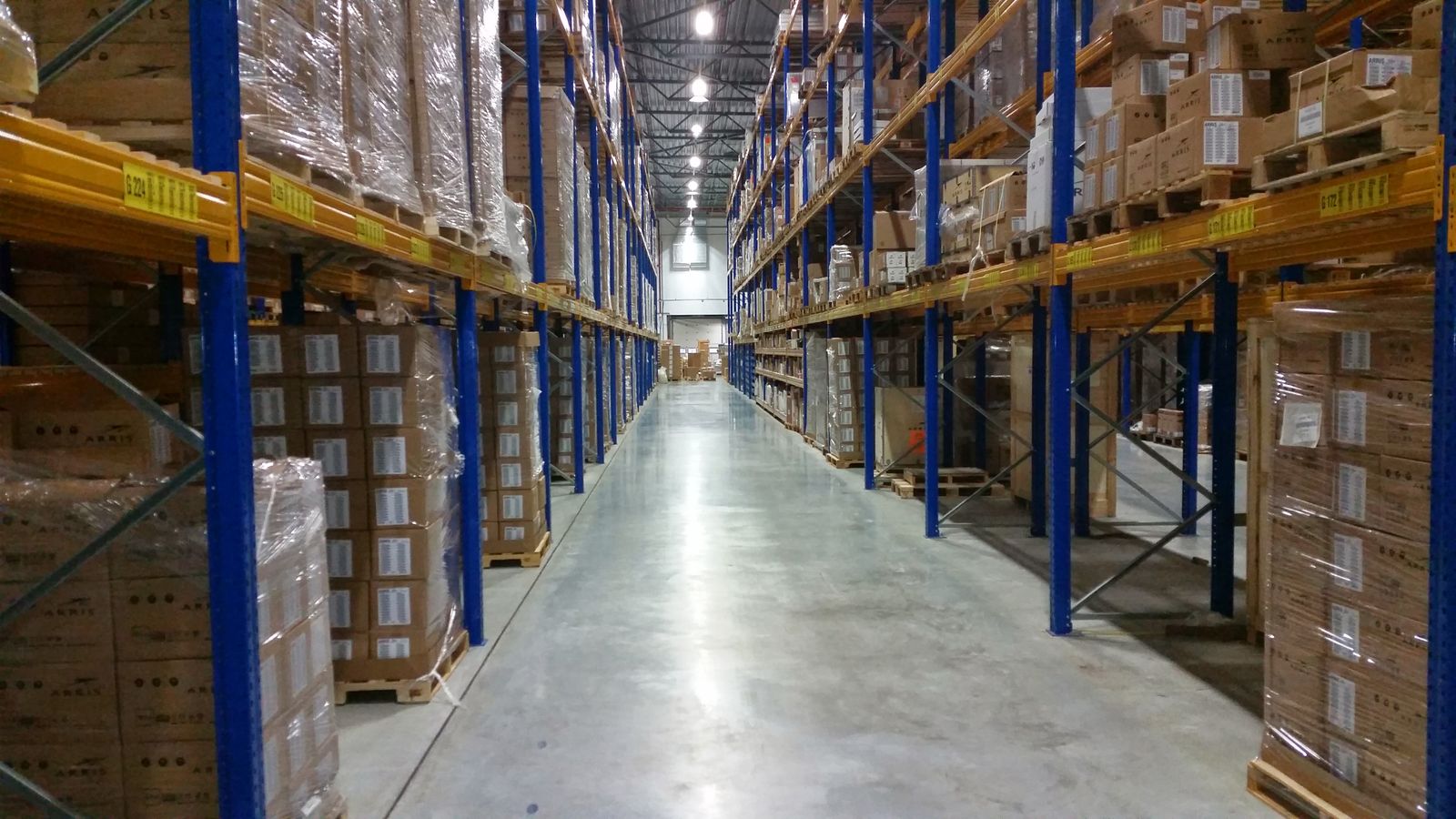
Connected to SAP
- Warehouse
- Billing
- E-Commerce
- Customer Portal
Live Sync
- Sales order posted to SAPDone
- Stock level updatedDone
- Delivery confirmedDone
SAP, Fully Connected.
Data moves between SAP and your other systems automatically, with monitoring that alerts your team the moment an exchange fails.
-
Order & Document Exchange Orders, deliveries and invoices move in and out of SAP automatically.
-
Real-Time Data Access Other systems read and update SAP data as it changes.
-
Standard SAP Interfaces Built only on SAP-supported connection points.
-
Scheduled Data Exchange Batch transfers where real time is not required.
-
Master Data Alignment Customers, materials and locations kept consistent everywhere.
-
Managed Error Handling Failed transactions flagged and resolved, never lost.
-
Proactive Monitoring Your team is alerted before the business is affected.
-
Complete Audit Trails Every transaction recorded and traceable.
Structured ERP Integration Methodology.
What your SAP system can share is confirmed before anything is designed.




-
STEP 01
System Assessment
We confirm what your SAP system can share and what your licence allows.
-
STEP 02
Solution Design
The data to exchange, its direction and the fallback plan are agreed.
-
STEP 03
Development
Built in a test environment, never in your live system.
-
STEP 04
Volume Testing
Tested at real volumes before anything reaches production.
-
STEP 05
Continuous Support
Maintained through SAP patches, upgrades and changes.
The Business Impact of an Isolated ERP.
When SAP cannot share data, every other department re-enters it manually.
- Single Source of Truth Data entered once and posted to SAP automatically. Re-encoding into the ERP ends.
- Speed Documents posted in real time, on the triggering event. No waiting for an overnight upload.
- Investment Protection Standard SAP interfaces only. Support and upgrades remain unaffected.
- Reliability Failed documents surfaced for action. Issues are resolved immediately, not at month-end.
- Compliance Payload retained for every exchange. Each posting is traceable to its transaction.
- Risk Reduction No modification to the SAP core. SAP itself is never changed.
- Process Improvement Manual steps around SAP removed from each workflow. Transactions move without waiting on encoding.
- Maximized Performance Documented interfaces and continuous monitoring. Integration performance is measured, maintained and improved.
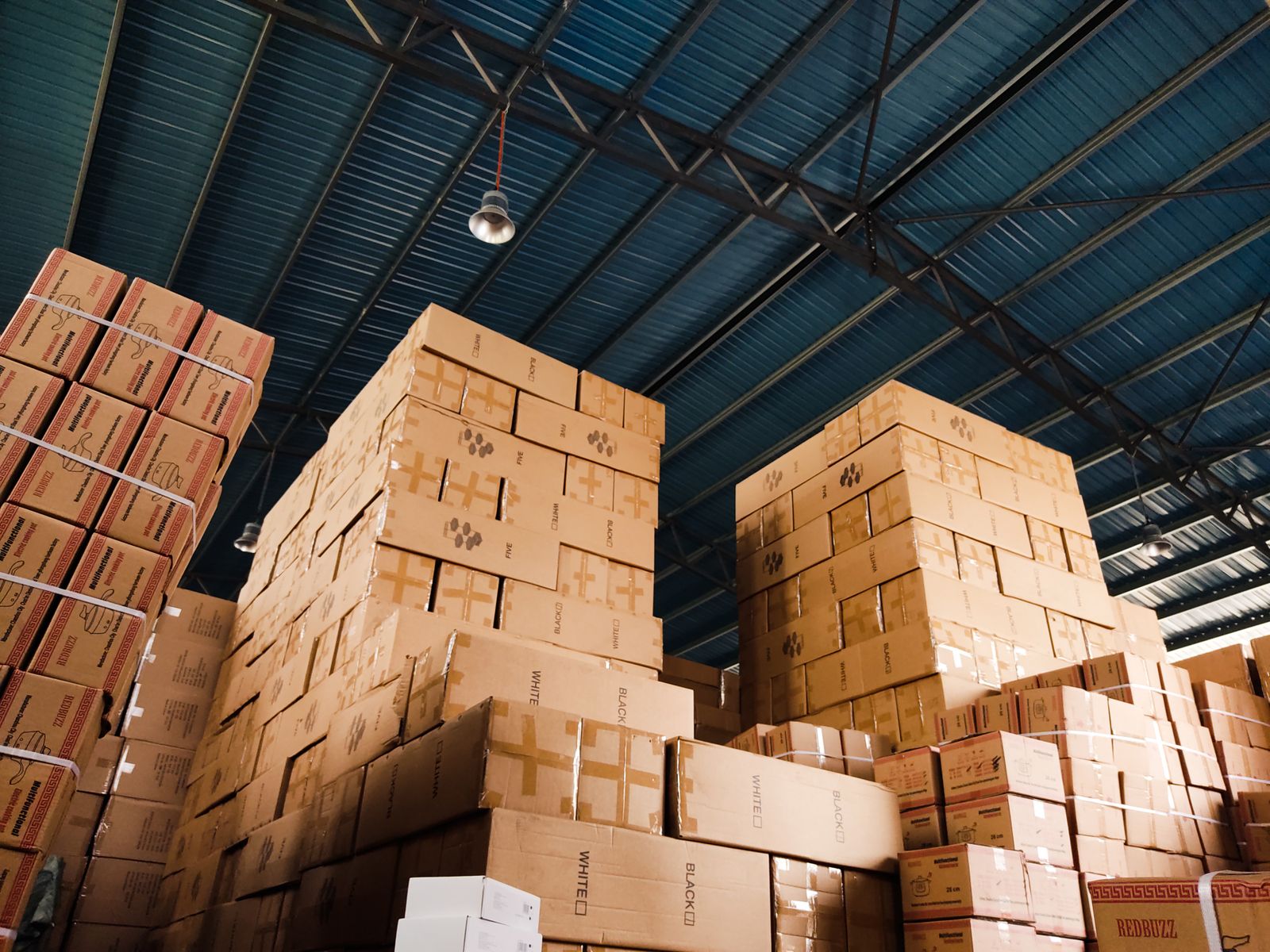
Integrating through SAP's standard connection points keeps your system fully supported. Your core stays untouched, and your data flows where it is needed.
Book a Free ConsultationFrequently Asked Questions.
What is SAP integration?
It connects SAP to your other business systems so data is exchanged automatically. Manual export and re-encoding are eliminated.
Will integration affect our SAP support or upgrades?
No. The integration uses only the standard interfaces SAP provides, so your SAP support and future upgrades are unaffected.
Does this work with both newer and older versions of SAP?
Yes. It supports S/4HANA and earlier SAP ECC systems.