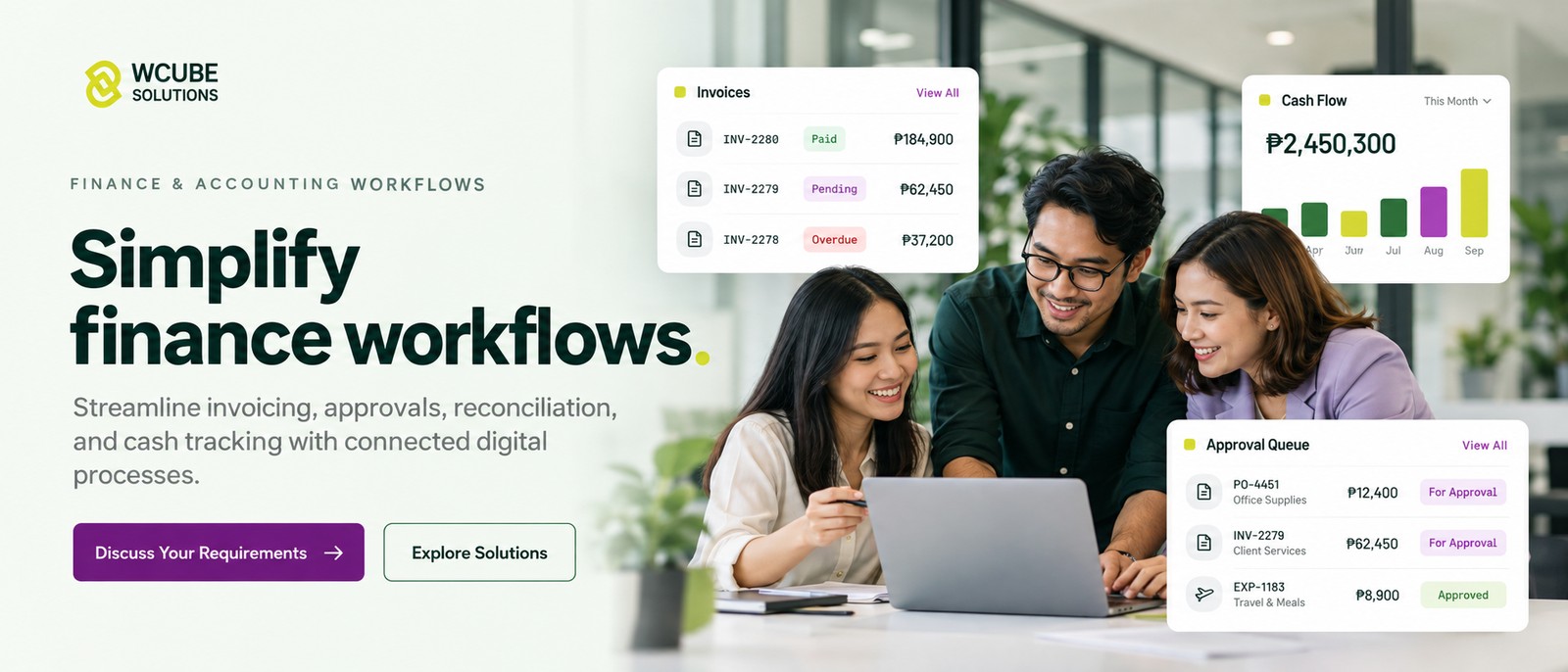
Billing & Invoicing System.
Invoices generated from confirmed delivery, collected through the payment gateways your customers already use, and reconciled automatically.
- Sales & Billing
- Automated invoicing
- Payments integration
- BIR e-invoicing
- Reconciliation
Order-to-Cash Coverage.
The full billing cycle, with manual steps removed between delivery and collection.
Automated Invoice Generation.
- Invoice from confirmed fulfilmentRaised from delivery data, with no re-entry from paperwork.
- Contract & tiered pricingEach customer billed at their agreed rate.
- Recurring & milestone billingSubscriptions and staged projects billed automatically on schedule.
Payment Gateway Collection.
- Gateway integrationCard, e-wallet and bank transfer through the providers you already use.
- Payment links & QRIssued with the invoice, so payment is completed in one step.
- Partial & scheduled paymentInstalments tracked against the originating invoice.
Automated Payment Reconciliation.
- Automated payment matchingReceipts matched to invoices as they settle.
- Exception queueOnly unmatched items are referred to finance staff.
- Accounting postingPosted through your accounting platform’s own interface.
Receivables & Collections Management.
- Ageing & DSO reportingOutstanding balances reported by customer and by age.
- Automated remindersEscalating notices issued on the schedule you define.
- Statements on demandCustomers retrieve their own statements without a request to finance.
E-Invoicing Compliance & Audit.
- Electronic invoicing readinessBuilt to meet BIR electronic invoicing requirements.
- Full audit trailEvery issue, amendment and cancellation retained with its prior value.
- Export for auditPeriod data produced on request, not reconstructed.
The Operational Cost of Manual Billing.
Days lost between delivery and invoice, and finance hours spent matching payments manually.
- Faster Invoicing Invoices generate from confirmed delivery records. Billing goes out the day you deliver.
- Automated Reconciliation Incoming payments matched to invoices automatically. Only exceptions reach your finance team.
- Zero Revenue Leakage Every fulfilled order is queued for billing. Delivered work no longer goes unbilled.
- Faster Collections Receivables ageing visible by customer. Overdue accounts are followed up before they age further.
- BIR Compliance Complete audit trail on every invoice. Queries are answered from the record.
- Faster Month-End Transactions reconciled as they occur. Closing no longer absorbs a week of finance time.
- Process Improvement Order-to-cash steps standardised from delivery to collection. Delays between delivery and payment are removed.
- Maximized Performance Documented billing rules and live receivables monitoring. Collection performance is measured, maintained and improved.
Every day between delivery and invoicing extends the period your working capital finances the customer’s operation.
Book a Free ConsultationFrequently Asked Questions.
What is an automated billing system?
An automated billing system generates invoices from data your operation has already captured, such as a confirmed delivery, a completed milestone or a subscription period. No re-entry is required. It then tracks payment against each invoice and matches receipts automatically.
What is BIR e-invoicing and does it apply to us?
BIR electronic invoicing requires covered taxpayers to issue invoices electronically and transmit them to the Bureau. Whether and when it applies depends on your taxpayer classification and the current issuances, so confirm your position with your accountant. WCube systems are designed to meet those requirements.
Can it integrate with our accounting software?
Yes. Invoices and receipts post into your existing accounting platform through its own interface. The billing system manages the operational cycle. Accounting remains the book of record.
Which payment gateways can it work with?
Card processors, e-wallets and bank transfer channels, integrated through their published APIs. The selection depends on how your customers prefer to pay and is confirmed during the requirements assessment.
How does automated reconciliation work?
Incoming payments are matched to open invoices by reference, amount and payer. Matched payments are posted without intervention. Ambiguous payments go to an exception queue for review, with likely matches already identified.